The story behind the numbers.
Bring payroll, attendance, leave, and overtime into reports you can filter, review, and share.
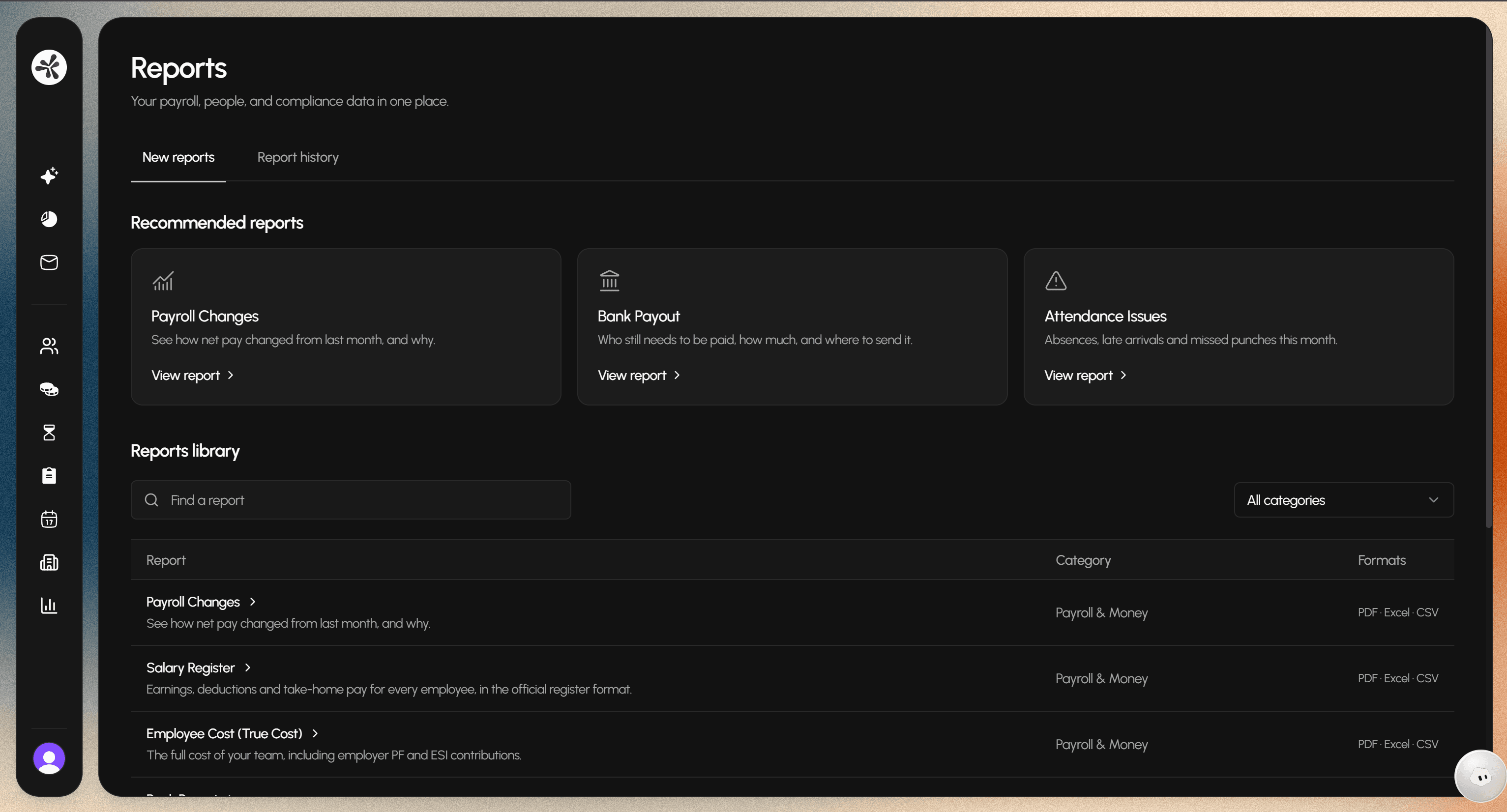
Every report.
Every detail.
Controls
Month & year
Department
Visible columns
Report types
9 reports
Pay & costs
- Payroll changes
- Salary register
- Employee cost
Payments & compliance
- Bank payout
- Statutory summary
Time & attendance
- Attendance register
- Attendance issues
- Overtime
- Leave summary
Export as PDF, Excel, or CSV.
Charts & records
Period comparisons
Daily patterns
Change breakdowns
Employee rankings
Detailed records
Illustrative views · Varies by report.
The details you need. Ready to share.
Choose a department and the columns that matter. Try a sample export, right here.
Frequently asked questions.
Which reports can I explore?
The library includes payroll changes, bank payout, attendance issues, leave summaries, overtime, salary registers, and employee costs. Choose the report that matches the question you’re working on.
Can I see why payroll changed?
Payroll Changes compares net pay across months and breaks the movement down into its drivers, including base pay, overtime, unpaid leave, and employees no longer on payroll. The employee view shows the individual differences.
Can I narrow a report to one department?
Yes. Set the reporting month and year, choose a department, and adjust the visible columns to focus on the details you need.
Which export formats are available?
Reports support PDF, Excel, and CSV exports. The demo on this page downloads a small sample CSV using the department and columns you select.